
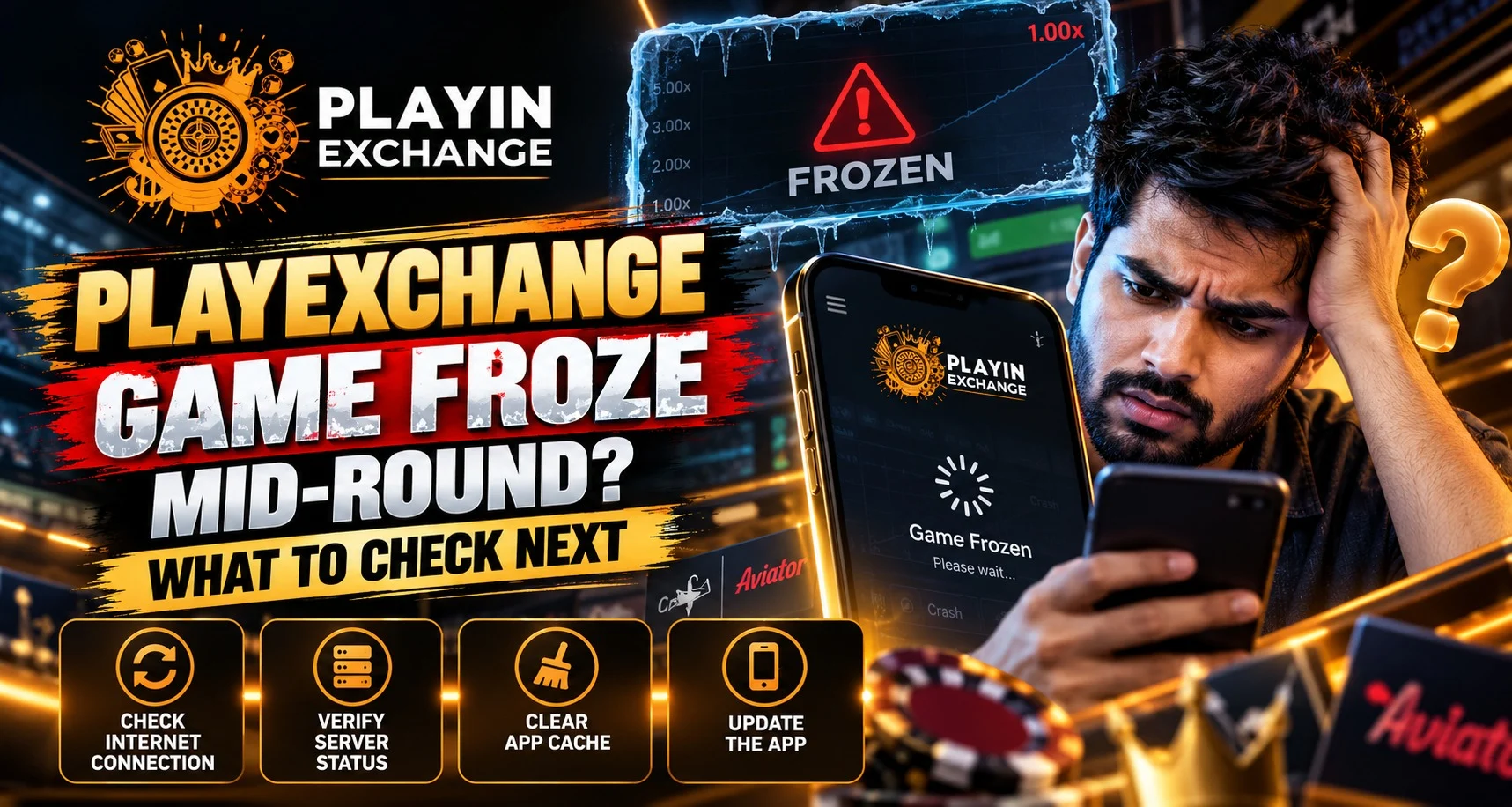
The timer freezes, and you cannot tell whether your last tap registered. During a Playexchange session, the first question is whether that action was accepted. Pause further actions, save the visible details and check the round record after reconnecting. If Playexchange login is required again, use the verified access route.
We recommend checking the existing round before starting another. The screen alone cannot confirm a win, loss or refund.
Capture the Round Before Changing the Screen
Note the game name, provider if shown, round reference, stake and approximate time. Include the time zone if contacting support from abroad.
Save a private screenshot of the error or frozen display. Describe what stopped, such as the video, timer or buttons.
For example, live video might stop while controls remain visible. That observation helps distinguish the symptom from the outcome you still need to check.
Read the History Before Assuming the Stake Disappeared
Open the game history, account activity or transaction record where available. Look for an accepted stake, settlement entry, pending round or reversal linked to the same reference.
A balance reduction by itself does not establish that a round was lost. Equally, missing animation does not establish that an accepted bet was cancelled.
Restoration and settlement depend on game rules and the interruption. Check those instructions before expecting an automatic refund or replay.
Reconnect Carefully and Avoid Repeating an Action
Once the details are saved, check your connection and follow any reconnect instruction displayed. Return to the same game if its instructions direct you there.
When checking Playexchange account access, keep the original round reference nearby. After Playexchange login, compare the history with your notes before pressing another bet or game control.
Ask support to trace an unconfirmed action. Repeated tapping can create further uncertainty, so focus the investigation on that round.
Identify Whether One Game or the Whole Site Is Affected
Check whether account pages load normally while the game remains unavailable. If other websites also fail, check your network connection. If only one game is affected, report that distinction.
After preserving evidence, use a supported, updated browser and close unnecessary tabs. Follow browser guidance for further troubleshooting, including cache changes where appropriate.
On mobile or desktop, change one thing at a time and record the result. A working page helps with access, but it does not settle the interrupted round.
Request an Explanation That Matches the Recorded Outcome
Send verified support the reference, timestamp, stake, screenshot and device or browser details. Explain whether the issue involved a live stream, an unfinished round or an unexpected balance entry.
Ask whether the round settled, remains open or was cancelled, and which game rule applies. Request clarification of any related credit rather than assuming what the amount represents.
Customers deserve a clear outcome and next step. We encourage specific explanations that make a stressful interruption easier to assess calmly.
Keep Useful Records and Pause if Problems Continue
Keep the case reference and response with your notes. For recurring issues, this history helps identify patterns across devices or games.
Reliable service involves clear recovery information as well as responsive controls. Review game interruption rules and avoid continuing while the connection remains unstable.
Taking a break can help you avoid spending out of frustration. These habits remain useful for future incidents.
Read More : Playexchange Browser Notification Guide for Match Updates
Conclusion
At Playexchange, we encourage you to preserve round details, check the recorded status and seek clarification when the outcome is unclear. Use Playexchange login to review available account records after reconnecting. Contact verified support with your evidence, and resume only when you understand what happened and feel comfortable doing so.
FAQs
Does a frozen screen mean my bet was cancelled?
No. Check the recorded round status and applicable rules.
Should I press the same button repeatedly?
Avoid repeating an unconfirmed action. Check its status first.
Will reconnecting always restore the round?
Restoration depends on the game. Follow its interruption instructions.
What if no round reference is visible?
Record the game, stake and timestamp. Ask support to identify the round.
Is a refund guaranteed after a freeze?
A freeze alone does not establish refund eligibility. The applicable rules and investigation determine the outcome.


